.jpgs are typically smaller than .png files, often a good bit smaller. When a .jpg is created, depending on the program, you can adjust the compression from extreme for a very small file to very slight for better image quality.
I run into ‘please try again later’ on a few websites. If I switch to a different browser there is no problem. Rather than the browser being responsible, it is probably the security add-ons I use that are likely responsible, from fingerprinting blockers to ad blockers to auto-run video blockers, etc… I have different setups on different browsers, use the most restrictive one first, switch to others when necessary. So my feeling is it may have to do with the browser and / or its add-ons causing the problem.
I think that this a question the tech support people. While many of us manage to post pictures without any problem, it appears that there is some combination of events that prevent that from happening. Some guidance might help…Rob
Greetings, The file is 79 KB. The dimensions are 1037x689, it’s jpeg.jpg.
Thank you.
I said download by mistake. I am trying to upload a photo into this message box so I can ask the community about a pattern I am making for a ring I want to make.
Thanks for that! I forget all of the image formats that can be uploaded to the forum, but there’s a number of formats besides .jpegs. The .png image format was easy to switch to from a .jpeg image and uploaded to this thread with just drag and drop.
I did reach out to the Ganoksin tech folks this morning and am waiting for an answer. It is a weird situation in that not being able to upload .jpegs only affects some members.
Like I wrote, I discovered yesterday that I am one of those folks. I tried a bunch of solutions like switching to .jpg from .jpeg, using a full size image, lowering the image size, changing the compression level. None of those ideas worked for me.
We’ll see what the tech folks say. Until then, maybe Lois can try uploading a .png image so the original jewelry question can get answered?
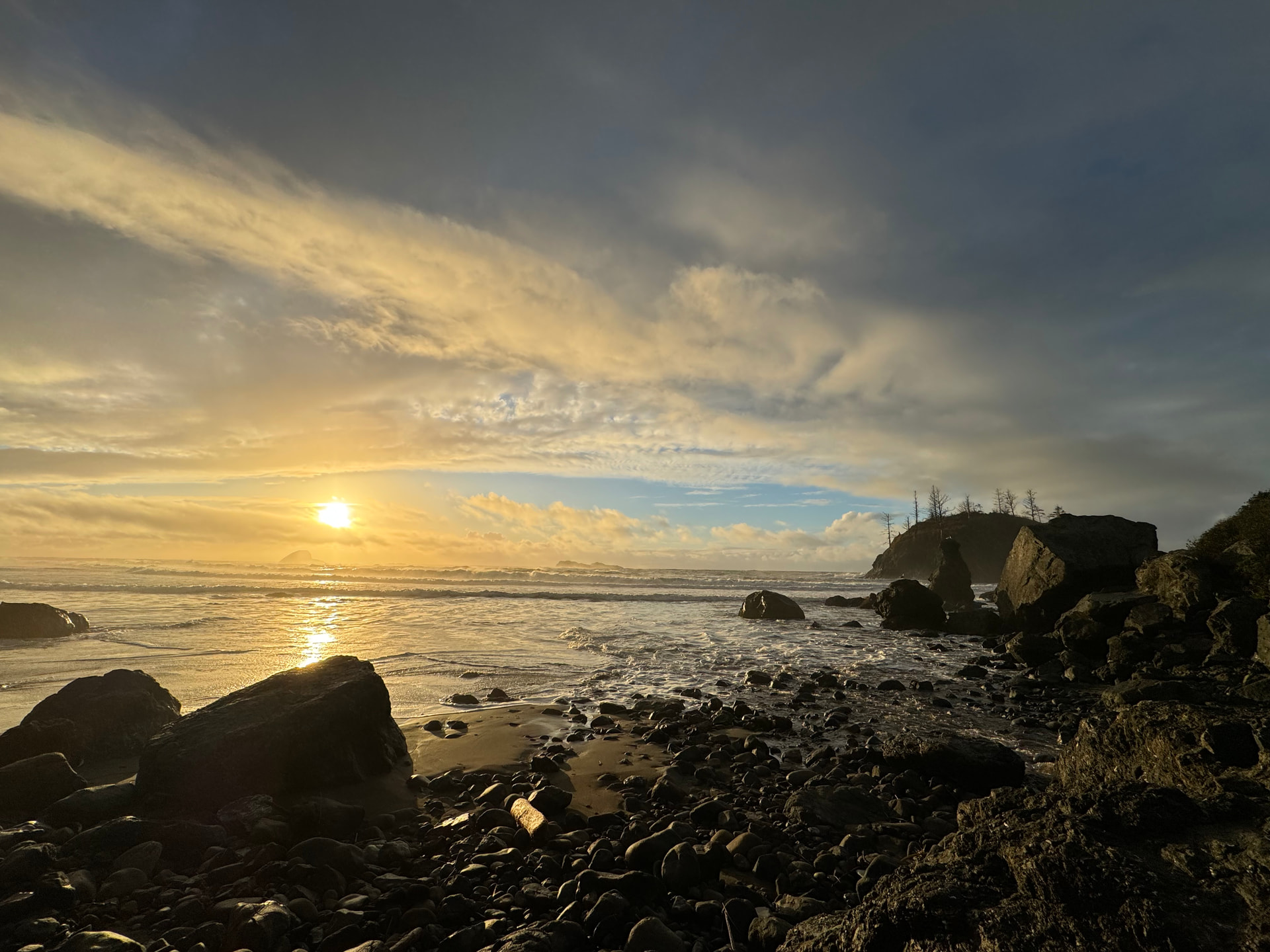
Sorry for the delay on this! It took a little bit for the Ganoksin engineer to resolve this issue. Here’s another beach .jpeg that I uploaded to this thread by dragging and dropping. I didn’t adjust the format or resolution. For folks who are interested, do me a favor and upload an image and let’s make sure that the system works for everyone. Thanks for your patience!! Jeff
Hi Julie,
I’m confused? You couldn’t upload .jpegs or you could? Or you could upload .jpegs sometimes, but not all the time. Then with the .png files, did they always work or not always work? I haven’t tried to upload from my phone, just my computer because I’m only logged in on my computer. Maybe there’s other issues with uploading from a phone that I’m not aware of.
There’s multiple ways to upload images.
Here’s the instructions from the FAQ that talks about a few ways.
i only recently started to experience issues uploading photos.
iphone screenshots are ,png
if i crop/edit these .png pic files from within my iphone, they converts to a .jpg
in my previous text, i was saying that i took 4 screenshots on my iphone and tried to upload them on that post. only 1 of the 4 uploaded and then i got an error message.
i then cropped the 4 .png photos, thinking that maybe they were too big…this cropping converted them to .jpg files…i tried to upload them on that post. 0 of the 4 uploaded and i got an error message.
this is a recent issue.
i have not had any issues uploading photos in the past…