Greetings All,
I have a question that I want to share with the community. I am unable to download a jpeg photo I took Can anyone help me. What are the requirements to download a photo?
Thank you.
Kind regards, Lois
I’m confused, download from a camera?
I guess you best use the software that came with the camera or plain mount the camera as a storage device via USB and then download from there?
Are you sure that it is a jpeg? Pictures can be saved in other formats. If it is a jpeg, then do a right mouse button click and see if you can download it to the download folder on your computer. Once there, follow the upload directions on this website. I save my photos on Google photos. I just create a link in photos, copy it and then paste it into the body of the ganaoksin message box that I am working in. This can all be a bit confusing until you do it a few times. Good luck…Rob
Greetings, The photos are on my computer. I have them on my desktop, when I try to download to a message I am told that the photos cannot be uploaded at this time and to try again. I tried, again and again.
Whast operating system are you working in?…Rob
What is the size of the photo files?
Often when we can’t upload/send it is size or format issues.
I have a drawing program that will not open a .jpeg file - unless I rename it a .jpg. This probably isn’t the problem you are having, but you never know. You could try renaming the file extension. Good luck.
Greetings, I have an Apple computer using Tahoe 26.3.1.Maybe my file is too big. Any tips on how to make it smaller? Thank you.
Greeting, Can you direct me to where I find that information? What size and format are accepted. I never had this problem before so I am confused. Maybe Orchid has changed what legacy members can do.
I’m just referring to personal experience with respect to file size.
How big are your files?
If the issue is uploading to Orchid, you might reach out to the admins.
Apple stores photos in an HEIC format. I believe that you can change this to jpeg in settings. One more reason why I don’t own and iphone. I like and own their iPads and minis, but not their phones. I do most of my computing with a Chromebook…Rob
Are your photos taken with a camera or phone?
Greetings,
I take the photos with my iPhone and airdrop them into my Apple computer. Then I can export the photo as .jpeg to my desktop.
I still get a message to try again later. 
Hi, I only have an iPhone 15 pro max for photos.
Greetings, Reaching out to Admin is a great idea. Thank you.
I will try uploading my latest piece just to see what happens at each step. I never have watched since it just works for me. Well, it originated as a .jpeg, but became a .jpg when I uploaded it. Maybe Neil is on to something…Rob
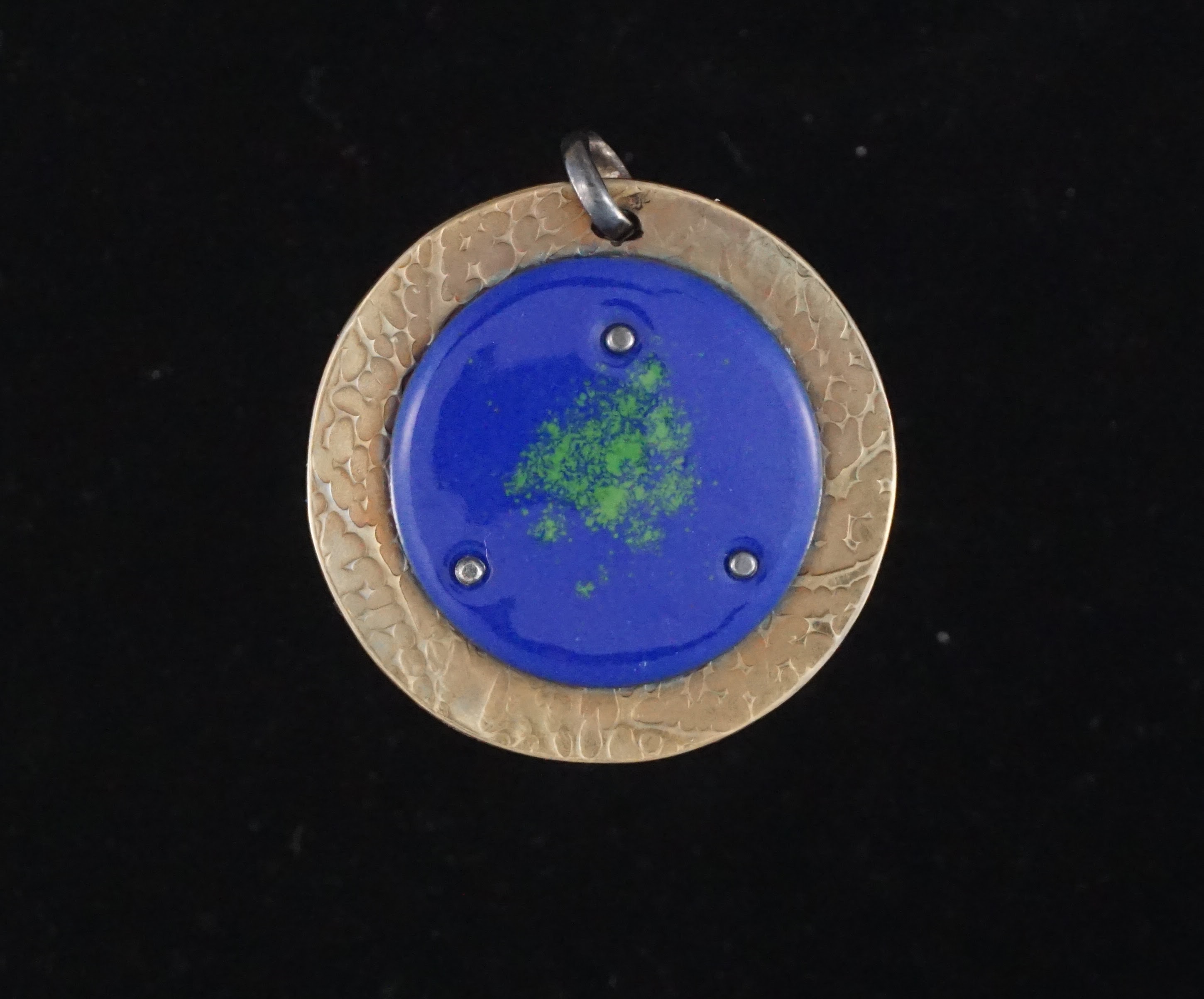
1 Like
Rob, I got confused at first by downloading vs uploading terminology within this thread.
I tried uploading some sample .jpeg images and got the same error message that Lois is getting. I tried changing it from .jpeg to .jpg and lowering the size and resolution of the image. Neither of those ideas worked.
Can you tell us what you did Rob? You should just be able to drag and drop a .jpeg.
I’ll reach out to the tech folks at Ganoksin if you don’t have an answer Rob. You should just be able to drag and drop an image.
We’ll figure it out! Thanks to all. Sorry it’s being so much trouble!!
Jeff
Here’s an image that I changed to a .png format. That uploaded with just drag and drop. I’m not sure why .jpeg and .jpg is giving an error message though?
Size?