I’m sure that you have your situation figured out. I mention unshielded laser safety issues for beginners who are following this thread.
Jeff, I’m 100% a complete beginner with his laser and with Lightburn. I’m learning the hard way by making mistakes and I’m sharing them here so others can avoid them.
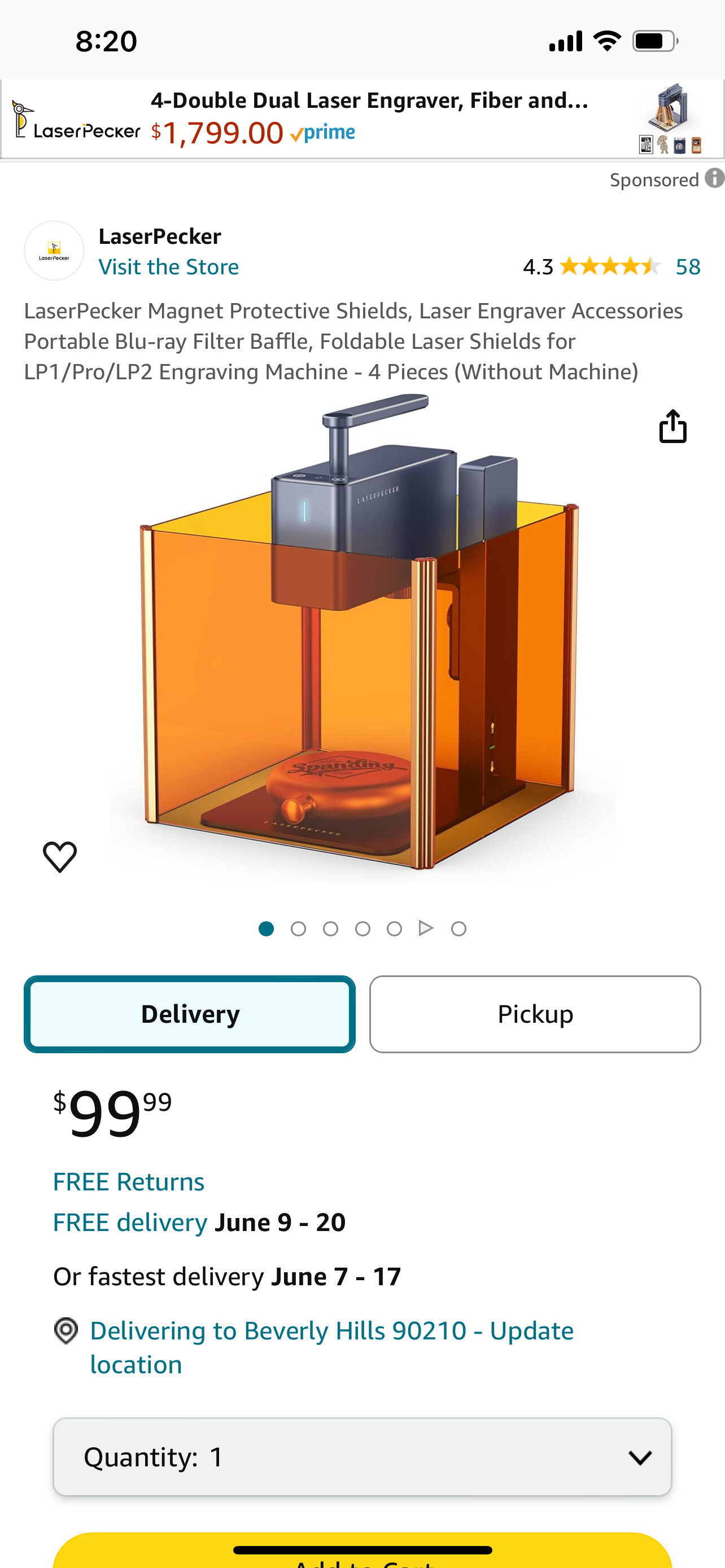
Youtube videos show people using powerful lasers unshielded but I’ve come to the conlcusion there are only two ways a strong laser can be safe - fully shielded or shut off.
Lightburn has flaws in what is called human interface design. A few of their buttons do not work as expected, at least by me, and I’ve been using computers since the 1980s.
One flaw is that it displays boxes of controls that are too large on a laptop screen. The Laser Control box takes up a very large portion of my laptop screen. When I opened the Preview box to check run time of a job, it overlayed the laser control box, and when I closed the Preview box I think an inadverdant double click actuated a button in the Laser Control box that started my laser by accident.
I have a trial copy of Lightburn on my desktop computer which uses a much larger screen, and the Laser Control box takes up a much smaller portion of that screen. So their dialog boxes seem to be hard coded to a certain size rather than based upon a percentage of the whole screen. Not good if it can allow one box button to be over another button and lead to unkowingly firing the laser.
Wearing protective glasses is fine, except they make it harder to see the computer screen necessary to run the laser, so it is tempting to take the glasses off when you think the laser is not running. Safety experts will tell you to treat a gun as if it is always loaded, and in the same way I think you need to treat a machine as if the laser is always on unless it is fully shielded or powered off, preferably with the red Stop / Emergency button. You can see when that is pushed in, but the normal on-off button does not give visual feedback of the state it is in.
With any luck I will have run out of issues to share.
It’d be interesting to find out what kind of safety glass is used in the laser welding, cutting and engraving industries and then figure out how to acquire some of it. Other than that I don’t imagine that making some sort of light fast container that you can open and close would be that difficult to make.
When I listened to the warnings about unshielded lasers at the LaserStar factory tour, what I remembered the most wasn’t so much about protecting yourself (although that’s very important) but to make sure anyone else in the room or anyone who might enter the room is protected.
When developing photo film, photo studios often have a light outside the door and a sign that says “if this light is on do not open the door.” There’s a zillion possible solutions, so if you’re not working alone then it’s something that you have figure out.
Good luck Neil A!! It sounds like you’re having a lot of fun!!
It’d be interesting to find out what kind of safety glass is used in the laser welding, cutting and engraving industries and then figure out how to acquire some of it.
I’m chuckling a bit here… Glass might be good.
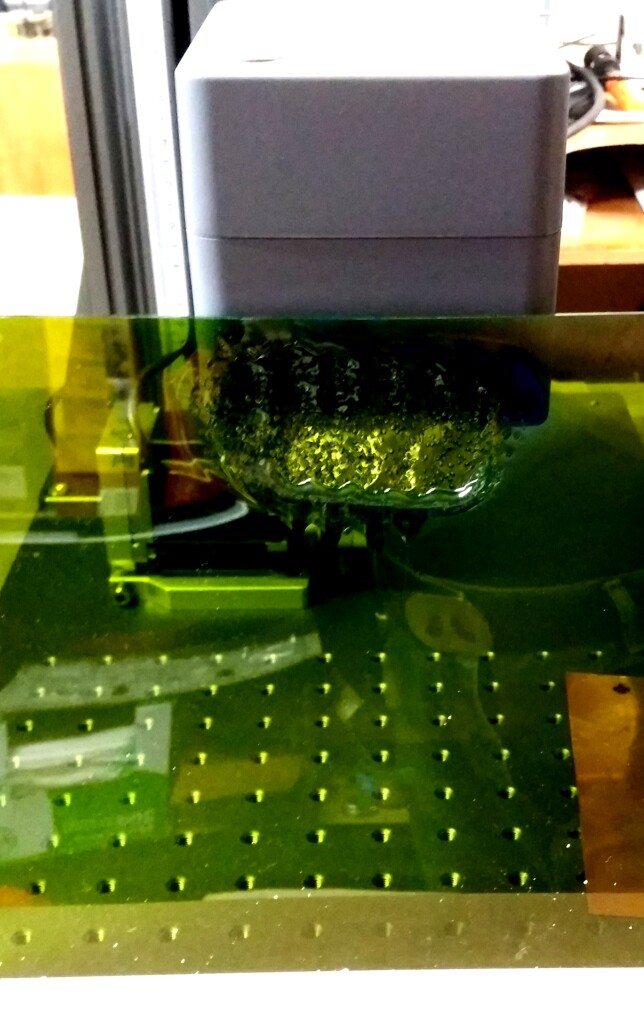
Anomalous event 2 of 3… This was a plastic shield. The base was so small it wouldn’t stand on its own so I leaned it against the laser head. Laser light / heat reflected up and caused a melt-down. These things are not toys.
I don’t imagine that making some sort of light fast container that you can open and close would be that difficult to make.
Not really, though I’d like to have a sheet metal shop make it for me of aluminum. I started using wood but it was too heavy.
There are issues in my machine’s case. There’s a Z-axis hand crank at the top so the shield would have to have a flip-over top or a removable ‘hat’. It would be a big help to have easy access on the left - I’m a lefty. And there’d need to be a significant cut-out on the back for the very fat fiber ‘hose’. Right now I have too many other things to do so it is easier to shut the machine off except when cutting and wear safety glasses.
what I remembered the most wasn’t so much about protecting yourself (although that’s very important) but to make sure anyone else in the room or anyone who might enter the room is protected.
When developing photo film, photo studios often have a light outside the door…
I bought 2 extra safety goggles for family visitors. Amazon sells a battery powered revolving red ‘police’ light I was tempted to get, but that might be a bit over the top. I hang goggles on the door knob to my shop as a reminder that the laser is working, when it is doing a job too long for me to want to sit still out there.
It might be nice, if one had the space, to put a laser in a very small room like a hot water heater closet, and maybe wire a light over the door too. Or behind some kind of fold-up room dividers / screens. I need to relocate the machine, so fold-away room screens might work.
OK, I just went down a laxer rabit hole today. xtool just come out with the f1 ultra that has a 20W filber and diode laser. It looks pretty interesting. Check it out. I’d be interested to hear from anyone who has tried it.
Bernie
Anyone with new experience or knowledge about Lasers. I am still looking at 60 watt MOPAs to mark, engrave and cut out silver and other metal. A lot of water has run under the dam since we last discussed them. Thanks…Rob
[This is my second attempt to post this, sorry if it is a repeat.]
An important consideration for any laser or CAD purchase is software compatibility.
I use Windows 7 on my desktop computer and that doesn’t cut it any more with the newest releases of many CAD software programs and Lightburn. If you can’t run the software you can’t run the machine, so before buying anything do check that your computer will run what you need to run, or you may need to get a new computer! Note that the current release of Lightburn is 2.0.
Here’s what Lightburn says on the subject (this quotation is a bit dated):
"Current versions of LightBurn run on the following operating systems:
64-bit Windows 10 (build 1809) or later
macOS 11 or later
Support for macOS 11 will end with LightBurn 2.0. Subsequent releases will require macOS 12 or later.
You will always be able to use the most recent version of LightBurn that is compatible with your operating system and was released within your license’s valid update period. You can download earlier versions of LightBurn from our release repository or see Operating System Compatibility for compatible versions and download links."
The situation will be similar for other software, some of which require more powerful graphics hardware capability.